Product
Is PCOS Polly Free? 7-Day Free Trial, Explained
Yes, you can try PCOS Polly free for 7 days. What the free trial includes, how to cancel in two taps, and a 7-day plan to see if the app fits your PCOS.
By PCOS Polly ·
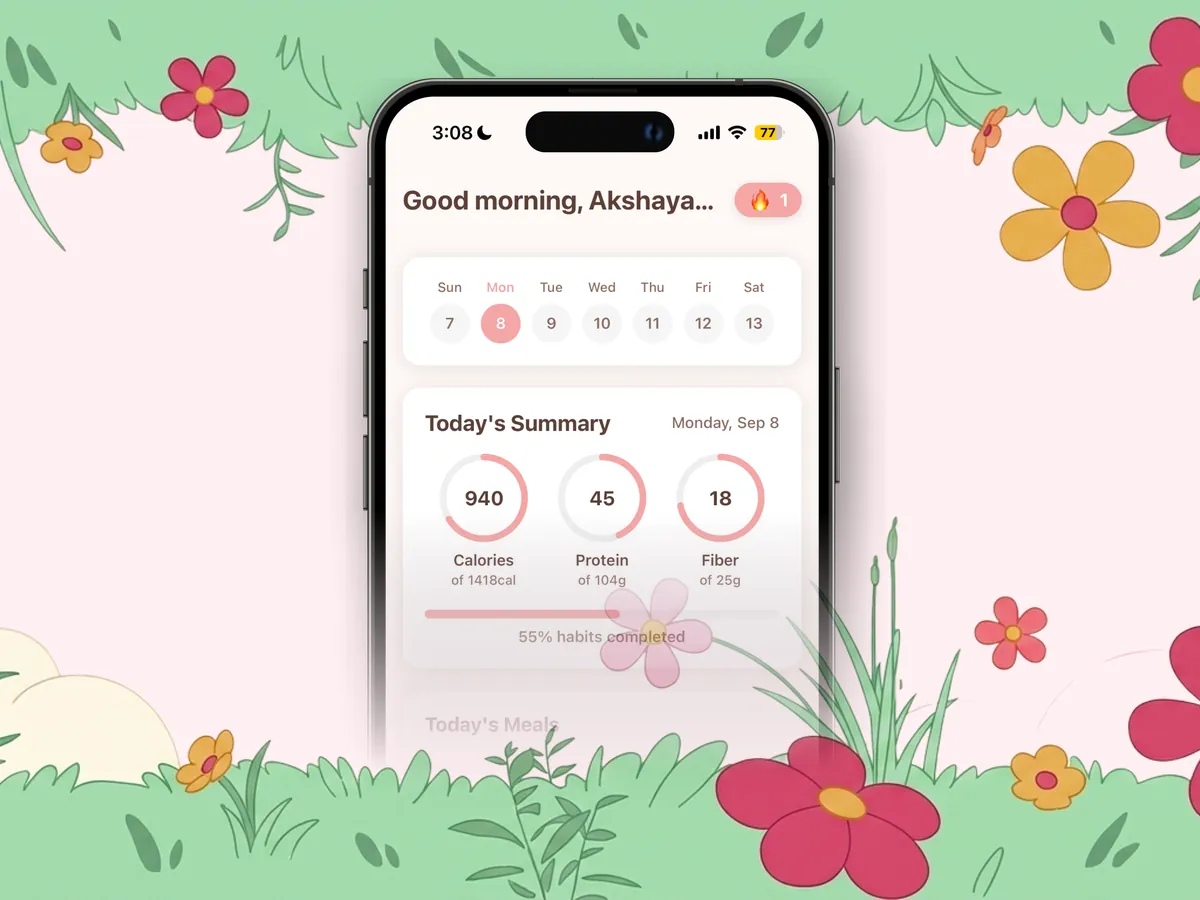
Key takeaways
- PCOS Polly is free to download, and every new account can try the full app free for 7 days.
- The trial unlocks everything: photo meal scanning with a PCOS score, recipes, symptom and cycle tracking, supplements, workouts, and Chat with Polly.
- Cancel in iPhone Settings at least 24 hours before the 7 days end and you are not charged; after that, a subscription keeps the full app unlocked.
- Plans and current prices are shown in the app before you confirm anything, so there are no surprises.
- Use the week on purpose: log meals and symptoms daily so you see your first patterns before the trial ends.
Yes, you can try PCOS Polly for free. The app is free to download, and every new account gets a 7-day free trial of the full app: meal scanning, recipes, symptom and cycle tracking, workouts, and Chat with Polly. If it isn’t for you, cancel in your iPhone settings at least a day before the trial ends and you won’t be charged. If it is, a subscription keeps everything unlocked.
Start your 7-day free trial on the App Store →
What “free” means with PCOS Polly
| What you get | |
|---|---|
| Download | Free on the App Store for iPhone and iPad |
| Onboarding | Free: answer a few questions about your cycle, symptoms, and goals |
| Days 1-7 | The full app, free, with nothing held back |
| After day 7 | An in-app subscription keeps full access; cancel anytime in Settings |
| On the website | 25+ free PCOS recipes, a free PCOS macros calculator, and every guide on this site, no account needed |
Current plans and prices for your country appear on the screen where you confirm the trial, so you can see exactly what happens after day 7 before you tap anything.
Everything the free trial unlocks
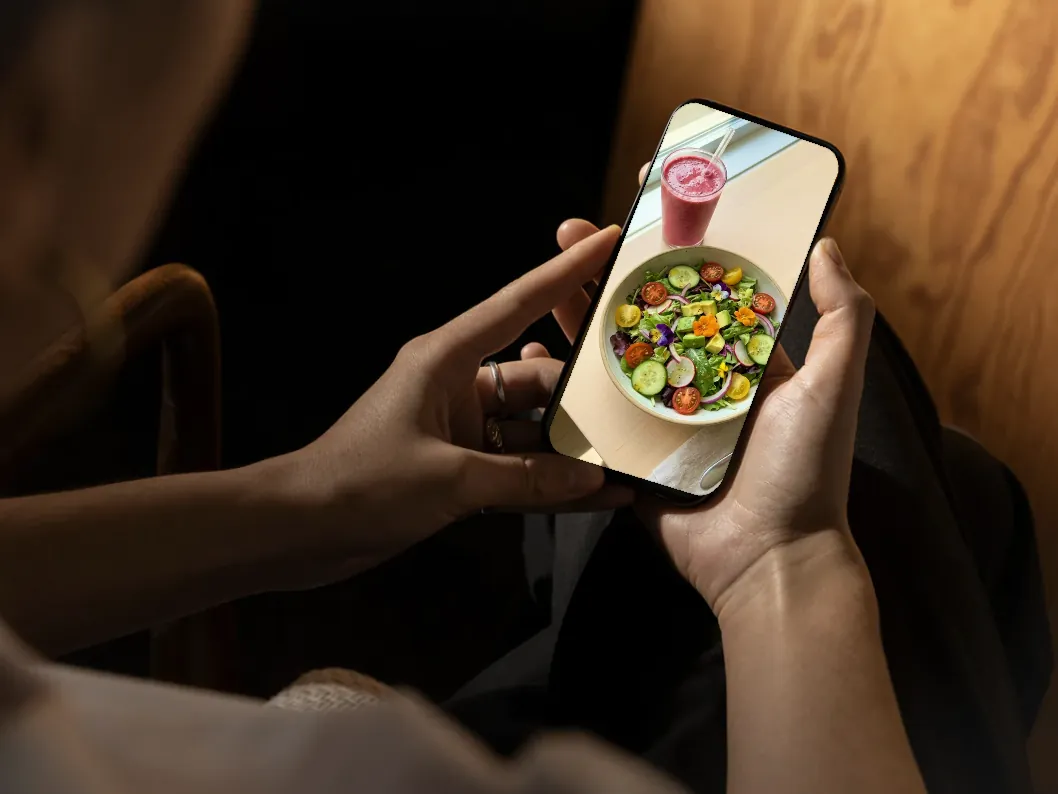
- Snap-a-photo meal logging. Take a picture, scan a barcode, or scan a nutrition label. Polly estimates the meal and gives it a PCOS score based on protein, fiber, and blood-sugar impact.
- Hundreds of PCOS-friendly recipes in the app, in the same spirit as the breakfast, lunch, and dinner ideas you see in our recipe hub.
- Chat with Polly. Ask what to eat after a high-sugar lunch, have it build a recipe from what’s in your fridge, or tell it what you ate and it logs the meal for you.
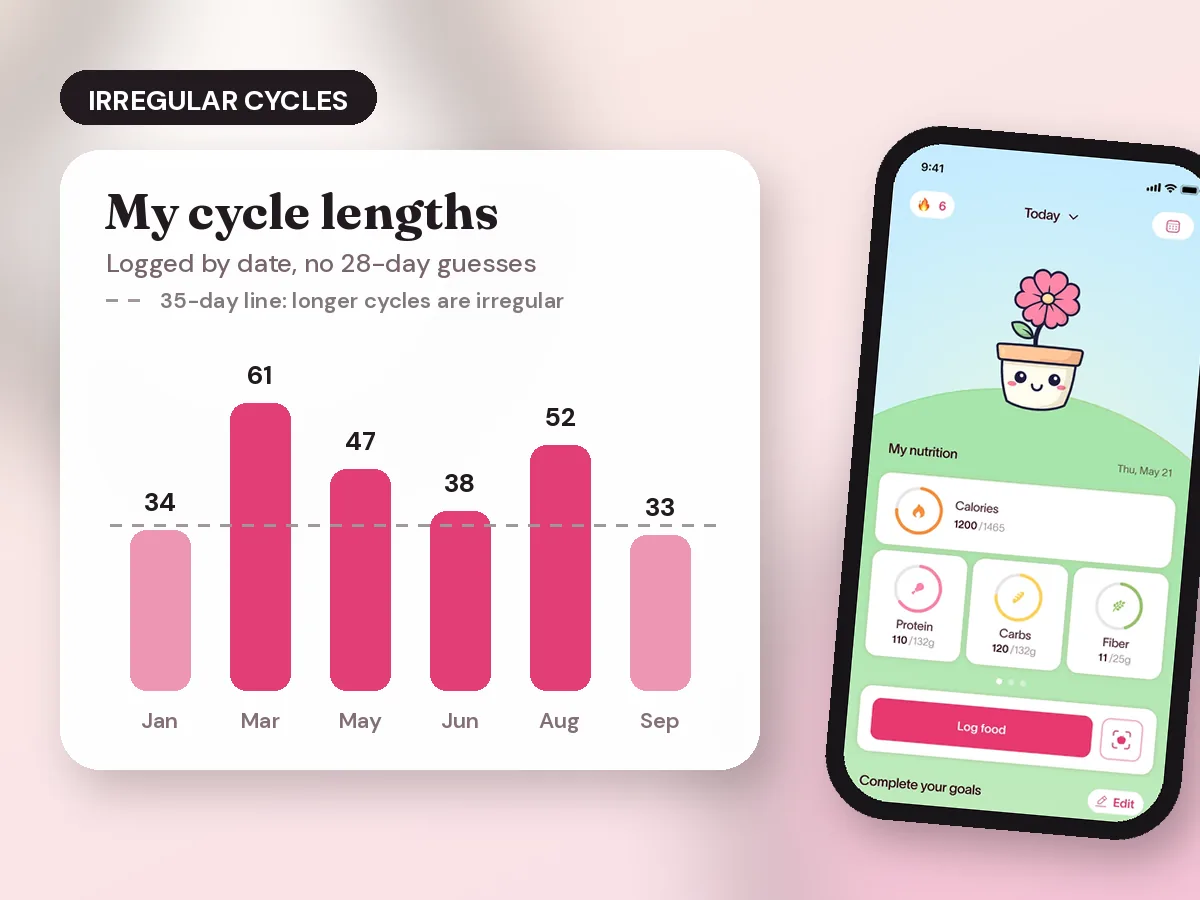
- Symptom and period tracking built for irregular cycles. Log acne, bloating, cravings, energy, mood, hair changes, and spotting without the app assuming a 28-day cycle. (Why that matters: why period apps fail with PCOS.)
- Supplements, sleep, and habits. Track inositol, vitamin D, metformin, or anything else alongside sleep and stress.
- Guided cycle-synced workouts, water and added-sugar tracking, weight trends, reminders, and Apple Health sync.
- A flower that grows as you track, which sounds small and is surprisingly good at keeping a streak going.
A 7-day plan to get real value from the trial
Most people decide whether a tracker works for them by the patterns it shows. Seven days is enough to see your first ones if you log on purpose.
| Day | Do this | What you learn |
|---|---|---|
| 1 | Finish onboarding, turn on Apple Health, log your last period start date | Your baseline and cycle context |
| 2 | Photo-log every meal, even snacks | Your average PCOS score and protein per meal |
| 3 | Log 3 symptoms you care most about (for example energy, cravings, bloating) | Which symptoms you actually notice daily |
| 4 | Add your supplements and medications with start dates | A timeline you can show your doctor later |
| 5 | Ask Polly to build a high-protein breakfast from what’s in your kitchen | Whether AI meal help saves you time |
| 6 | Try one guided workout and log sleep | How movement and sleep line up with energy |
| 7 | Open your trends and compare high-score vs low-score days | Your first food-to-symptom pattern, then decide |
If you only do one thing: log protein at breakfast and your afternoon energy for the full week. That single comparison is the “aha” most people in r/PCOS describe when they start tracking. More on what to log in our PCOS symptom tracker guide.
How to cancel before the trial ends
- Open Settings on your iPhone.
- Tap your name, then Subscriptions.
- Choose PCOS Polly and tap Cancel Subscription.
Apple asks for cancellation at least 24 hours before the trial ends, so set a reminder for day 6 if you are still deciding. Apple’s own steps are on its cancel a subscription page.
Is it worth paying for after the trial?
It depends on what you need. PCOS Polly is built for people who want one place for food, symptoms, cycle, and habits and want help seeing how they connect. If you only want a period calendar, a free cycle app may be enough. If you want structured lessons and a fixed meal plan, compare options in PCOS Polly vs PCOS Pal and our roundup of the best PCOS apps.
A good rule: by day 7, open your trends. If you can name one thing you’ve learned about your own PCOS (a food that tanks your energy, a symptom that tracks your cycle, a habit you skip more than you thought), the app is doing its job.
Free PCOS tools you can use without the app
- PCOS recipes: breakfast, lunch, dinner, snacks, and desserts with macros
- PCOS macros calculator: protein, carbs, and fat targets in a minute
- PCOS meal plan: a 7-day plan you can print
- PCOS breakfast ideas: 20 high-protein options
Try PCOS Polly free for 7 days →
Comparing apps? See PCOS Polly vs Flo and PCOS Polly vs PCOS Pal.
Frequently asked questions
How long is the PCOS Polly free trial? +
7 days. The trial starts when you confirm it in the app after onboarding and gives you the full app, not a cut-down version.
How do I cancel the PCOS Polly trial so I am not charged? +
On iPhone open Settings, tap your name, tap Subscriptions, choose PCOS Polly, and tap Cancel Subscription. Apple asks you to cancel at least 24 hours before the trial ends.
What do I get during the PCOS Polly free trial? +
Everything: photo, barcode, and label meal scanning with a PCOS score, hundreds of PCOS-friendly recipes, Chat with Polly, symptom and period logging, supplement and habit tracking, cycle-synced workouts, water and added-sugar tracking, weight trends, reminders, and Apple Health sync.
How much does PCOS Polly cost after the trial? +
After the 7 days, full access continues through an in-app subscription. Plan lengths and current prices for your country are shown in the app and on the App Store before you start the trial, and you can cancel anytime.
Can I use PCOS Polly on Android? +
Not yet. PCOS Polly is on iPhone and iPad today. Android users can join the waitlist at pcospolly.com/android and use the free recipe hub and guides on the website in the meantime.
Keep reading
All articles →-
 Product
Best Period Tracker for Irregular Cycles With PCOS (2026)
The best period tracker apps for irregular or missing PCOS periods, compared on predictions, ovulation checks, symptom logging, exports, and privacy.
Read article -
 Comparison
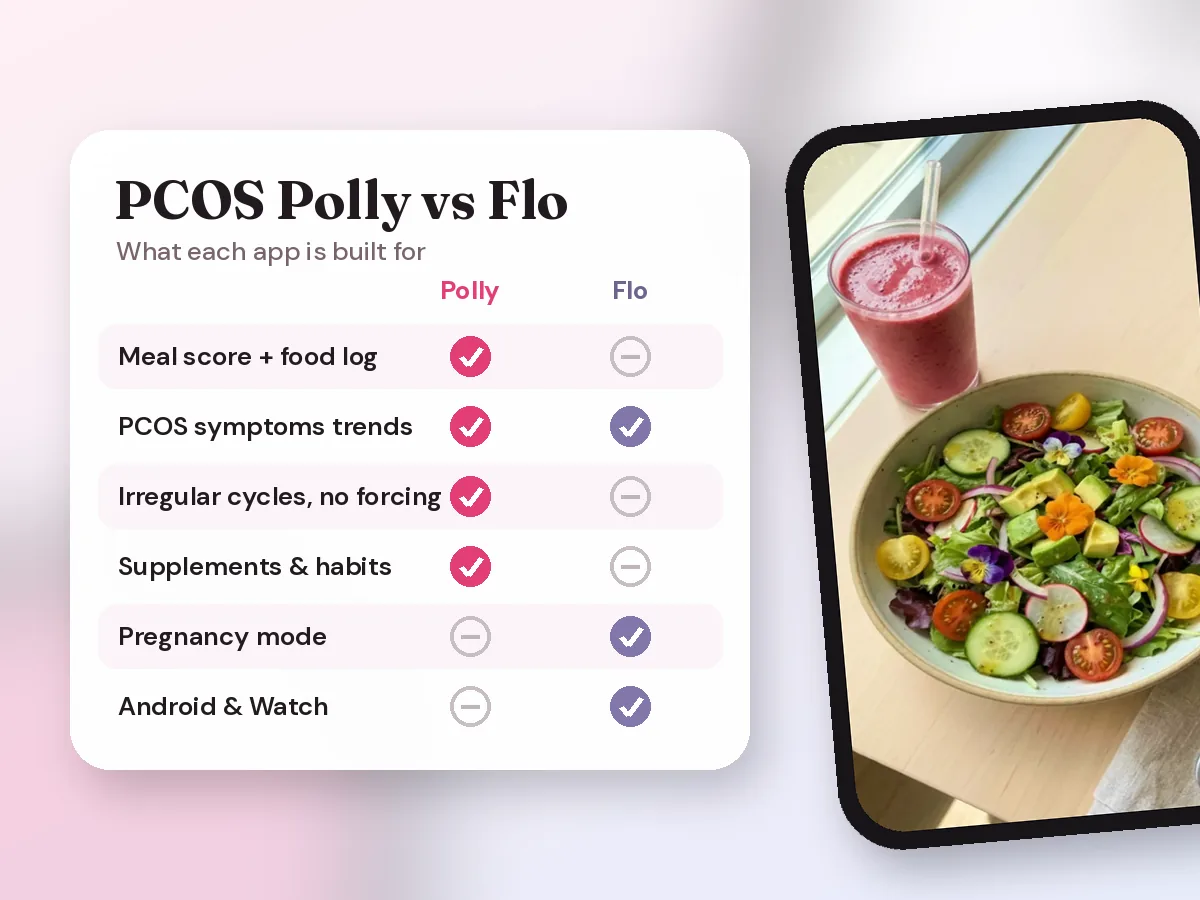
PCOS Polly vs Flo: Which App Is Better for PCOS? (2026)
PCOS Polly vs Flo for PCOS: irregular cycles, symptom and food tracking, AI help, fertility, privacy, and free options compared, with who each app suits.
Read article -
 Comparison
Best PCOS Tracker Apps in 2026: PCOS Polly, Flo, Clue and Ovura Compared
A sourced comparison of four apps for PCOS symptoms, irregular cycles, food logging, fertility features and pricing, with direct guidance on which to choose.
Read article